

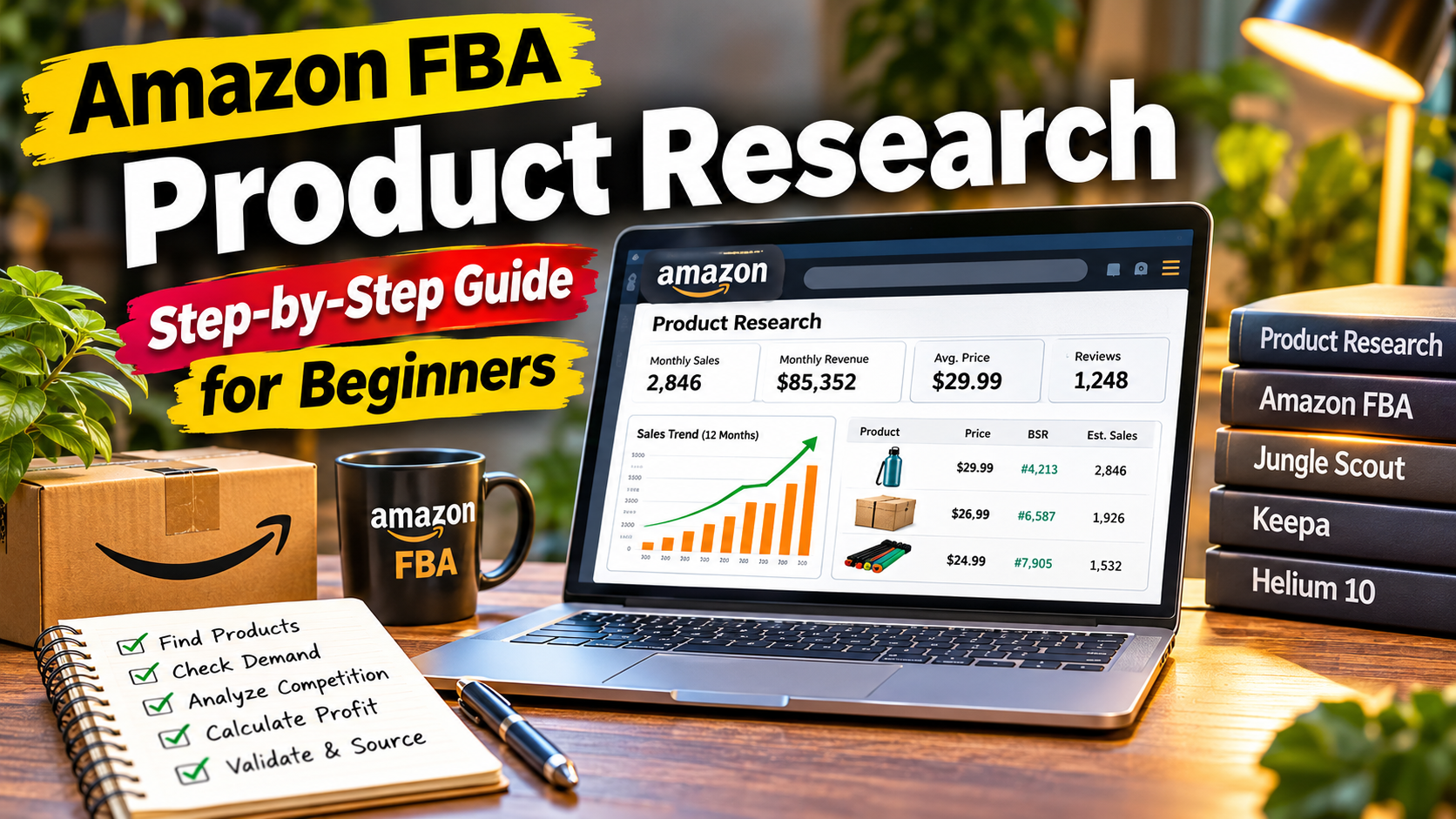
Starting an Amazon FBA business begins with one important decision: choosing the right product. Many beginners make the mistake of selecting products based on personal interest, low prices, or assumptions about demand. This approach often leads to slow sales, high competition, and unexpected costs.
Amazon FBA product research helps you evaluate potential products before investing your money. By studying demand, competition, pricing, sales trends, and profit margins, you make better decisions and reduce unnecessary business risks.
In this guide, you'll learn how to find potential Amazon FBA products, analyze competitors, calculate profitability, and validate product ideas before placing your first order.
What Is Amazon FBA Product Research?
Amazon FBA product research is the process of identifying and evaluating products that have potential to sell profitably on Amazon.
Amazon FBA stands for Fulfillment by Amazon. Sellers send their inventory to Amazon fulfillment centers. Amazon handles eligible storage, packing, shipping, customer service, and returns.
Product research helps you answer several important questions:
- Are customers searching for this product?
- Is there consistent demand?
- How many sellers compete in this market?
- Are competitors generating regular sales?
- Is there enough room for profit after expenses?
- Can you improve the existing products?
The goal is to find a product with a reasonable balance between demand, competition, costs, and selling potential.
Step 1: Choose an Amazon Product Category
Start by exploring Amazon product categories. Beginners often research categories such as:
- Home and Kitchen
- Sports and Outdoors
- Pet Supplies
- Office Products
- Beauty and Personal Care
- Tools and Home Improvement
- Kitchen and Dining
Do not select a category only because a product appears popular.
Research different categories and identify products that solve everyday problems, serve specific audiences, or offer opportunities for meaningful improvements.
Also check category restrictions, product compliance requirements, and any approval requirements before investing.
Step 2: Find Products With Consistent Demand
Demand is one of the most important factors in product research.
A product with very little demand might generate insufficient sales to support your business. A product with extremely high demand might attract many competing sellers.
Use these methods to evaluate demand.
Analyze Amazon Best Sellers
Visit Amazon's Best Sellers section and explore different categories.
Look for:
- Products appearing consistently in category rankings.
- Products with multiple competing listings.
- Products serving specific customer needs.
- Product variations with different sizes, colors, or features.
Best Sellers rankings provide useful research signals, but rankings alone do not confirm profitability.
Research Search Demand
Search for your product ideas directly on Amazon.
Study the search suggestions that appear as you type. These suggestions help identify phrases customers use when searching for products.
For example, a search for a kitchen organizer might reveal related searches involving cabinet storage, drawer organization, and adjustable organizers.
Record relevant search phrases for further research.
Check Historical Sales Trends
Avoid making decisions from one day's sales estimate.
Study historical sales patterns to understand whether demand is consistent or seasonal.
A product with strong sales during a short holiday period might perform differently during the rest of the year.
Step 3: Analyze Your Competitors
After identifying a product with potential demand, examine competing listings.
Search for your product on Amazon and study the first page of relevant search results.
Evaluate the following factors:
1. Number of competing listings
Identify how many products directly compete for the same customers. Focus on relevant competitors rather than counting every listing in a broad category.
2. Customer reviews
Read positive and negative reviews.
Look for repeated complaints about product quality, packaging, durability, instructions, sizing, and usability.
Customer feedback often reveals opportunities to improve an existing product.
3. Product pricing
Record competitor prices and compare products with similar features, sizes, and quality.
Avoid choosing a product solely because competitors charge high prices. Customers must see sufficient value in your offer.
4. Listing quality
Evaluate competitor images, titles, bullet points, descriptions, and A+ Content.
Identify areas where existing listings fail to explain product benefits clearly.
5. Brand competition
Check whether a market is dominated by established brands. Entering a market with strong brand loyalty requires a clear differentiation strategy.
Step 4: Estimate Sales and Revenue
Sales estimates help you understand the commercial potential of a product.
Tools such as Jungle Scout and Keepa provide useful research features for Amazon sellers.
Jungle Scout
Jungle Scout offers product research features, including:
- Product Database
- Opportunity Finder
- Product Tracker
- Sales Estimator
- Keyword Scout
These features help sellers evaluate product opportunities, track competitors, and research customer search terms.
Keepa
Keepa helps sellers analyze historical Amazon product data.
Useful features include:
- Historical price charts.
- Sales Rank history.
- Price changes.
- Offer information.
- Product tracking.
Use multiple data points instead of relying on one sales estimate. Third-party estimates are not guaranteed sales figures.
Step 5: Calculate Your Amazon FBA Profit
A product might generate strong revenue but still produce very little profit.
Before choosing a product, calculate all relevant expenses.
Consider these costs:
- Product manufacturing or purchasing cost.
- Shipping and freight.
- Customs duties and import taxes.
- Amazon referral fees.
- FBA fulfillment fees.
- Storage fees.
- Packaging and labeling.
- Advertising expenses.
- Returns and other operating costs.
Example Profit Calculation
Suppose you are researching a product with the following estimated figures:
| Expense or Revenue | Amount |
|---|---|
| Selling price | $29.99 |
| Product cost | $7.00 |
| Shipping and import allocation | $2.00 |
| Amazon referral fee | $4.50 |
| FBA fulfillment fee | $4.00 |
| Advertising allocation | $3.00 |
| Other estimated expenses | $1.00 |
| Total estimated costs | $21.50 |
Estimated profit per unit:
$29.99 - $21.50 = $8.49
Estimated profit margin:
($8.49 / $29.99) × 100 = 28.31%
These figures are illustrative, not actual Amazon fee quotations. Your real expenses depend on the marketplace, product dimensions, category, fulfillment method, and other factors.
Use Amazon's Revenue Calculator to verify applicable fees before making a purchasing decision.
Step 6: Identify Product Improvement Opportunities
Selling another version of an existing product without offering additional value is a difficult strategy.
Study customer reviews to identify problems that competitors have not addressed.
For example:
- Customers complain about weak materials. Research more durable alternatives.
- Customers struggle with installation. Consider clearer instructions.
- Customers report poor packaging. Improve product protection.
- Customers want additional accessories. Evaluate a useful product bundle.
- Customers complain about inconvenient sizing. Explore better size options.
Your objective is to offer a product that addresses genuine customer needs.
Avoid adding unnecessary features that increase manufacturing costs without improving customer value.
Step 7: Check Product Restrictions and Risks
Before sourcing a product, investigate its eligibility for sale on your target Amazon marketplace.
Check:
- Category approval requirements.
- Restricted product policies.
- Safety and compliance standards.
- Intellectual property concerns.
- Trademark and patent risks.
- Required testing and certifications.
- Shipping and storage limitations.
Some products require additional documentation or approvals.
Never assume a product is eligible simply because another seller is offering it.
Step 8: Validate Your Product Before Ordering Inventory
Once you identify a promising product, validate your research.
Use this checklist:
- Confirm demand using multiple research methods.
- Review historical sales trends.
- Analyze competing listings.
- Study customer complaints.
- Contact multiple potential suppliers.
- Request product samples.
- Compare manufacturing and shipping quotations.
- Calculate estimated Amazon fees.
- Estimate advertising expenses.
- Check product restrictions.
- Calculate your expected profit.
- Prepare a sourcing and launch plan.
Do not invest your entire budget based on a single product research tool or one supplier quotation.
Best Tools for Amazon FBA Product Research
Several tools help Amazon sellers collect and analyze product information.
1. Jungle Scout
Jungle Scout provides product research, sales estimation, keyword research, and competitor analysis features.
Website: https://www.junglescout.com/
2. Keepa
Keepa provides historical pricing, sales rank, and product tracking information.
Website: https://keepa.com/
3. Helium 10
Helium 10 provides product research, keyword research, listing optimization, and other Amazon seller tools.
Website: https://www.helium10.com/
4. Amazon Revenue Calculator
Amazon's Revenue Calculator helps sellers estimate fulfillment fees and potential revenue based on product information.
Website: https://sellercentral.amazon.com/hz/fba/profitabilitycalculator/index
Always check the appropriate marketplace and current fee structure.
Common Amazon FBA Product Research Mistakes
Avoid these mistakes when evaluating potential products.
Choosing products based only on sales estimates
Estimated sales do not reveal every expense or guarantee future performance.
Ignoring competition
A product with strong demand might still be difficult to enter if established sellers dominate the market.
Underestimating expenses
Shipping, advertising, storage, returns, and other costs affect your final profit.
Ignoring customer reviews
Negative reviews provide valuable information about product weaknesses and customer expectations.
Following temporary trends
Short-term popularity does not guarantee long-term demand.
Ordering too much inventory
Large initial orders increase financial exposure. Validate your product and supplier before committing to significant inventory.
Final Thoughts
Successful Amazon FBA product research requires patience, accurate calculations, and careful market analysis.
Start with product ideas, evaluate demand, study competitors, calculate expenses, and identify opportunities to improve existing products.
Tools such as Jungle Scout, Keepa, and Helium 10 help organize your research, but your final decision should also consider supplier quality, product compliance, customer needs, and available capital.
Take time to validate your product before ordering inventory. A well-researched product gives your Amazon FBA business a more informed starting point.
Frequently Asked Questions
What is the best way to find products for Amazon FBA?
Start by researching Amazon categories, analyzing customer demand, reviewing competitors, checking historical sales trends, and calculating profitability. Use product research tools to support your analysis.
Is Jungle Scout good for Amazon product research?
Jungle Scout offers features for product discovery, sales estimation, competitor tracking, and keyword research. It is useful for organizing product research, although its estimates should be treated as estimates rather than guaranteed results.
How much profit should an Amazon FBA product make?
There is no universal profit margin that works for every seller. Evaluate your product costs, Amazon fees, advertising expenses, returns, and other operating costs before deciding whether a product is financially attractive.
Is Amazon FBA product research free?
You can start with free methods such as Amazon Best Sellers, Amazon search suggestions, competitor reviews, and basic spreadsheet calculations. Paid research tools provide additional data and features.
How many products should beginners research?
Research multiple product ideas before selecting one. Comparing several opportunities helps you identify differences in demand, competition, costs, and risk.
---
Want to improve your Amazon FBA product research? Explore more tutorials and seller resources on FBA Master to learn about product research, competitor analysis, keyword research, and Amazon selling tools.